





Configure and administer your data flow architecture and connect your business tools to ensure reliable data and distribution to users.
Manage the governance of multi-stakeholder application projects.
API Maker is designed to support you on as many projects as you like.
Center controls the backup and restoration of your applications.
Your applications live and evolve. Support their lifecycle without interrupting operations.
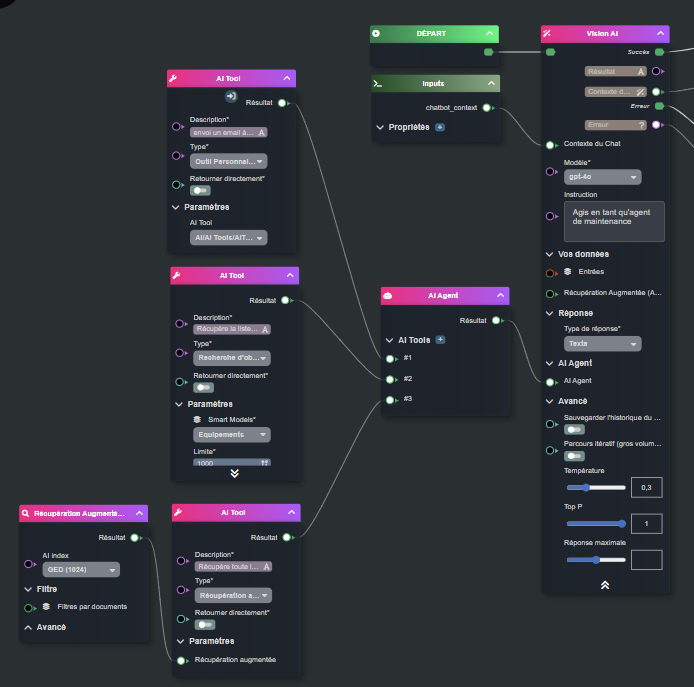
Defining agents and configuring behavior
Defining specific no-code AI tools
RAG tool available for your documents
Multi-LLM
TUTORIAL: Creating an AI agent on your data in 30 seconds
1min
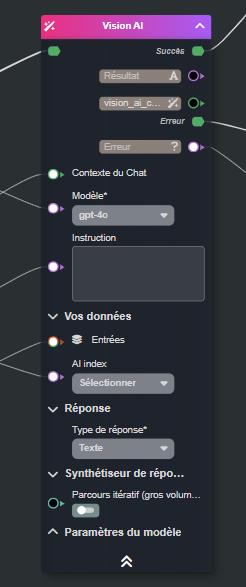
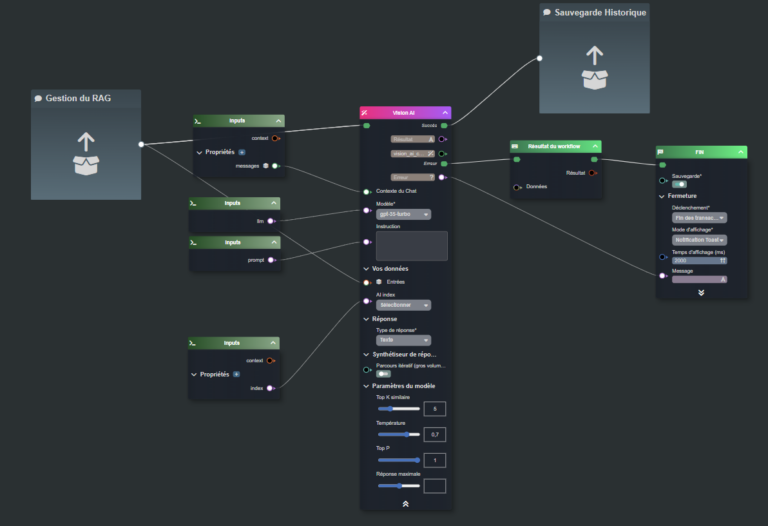
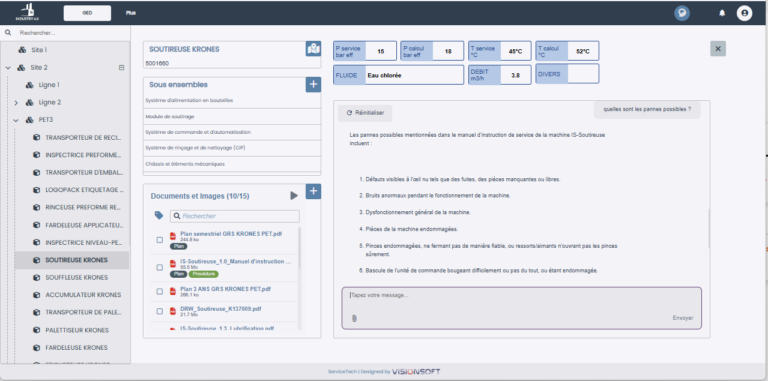
Visionsoft AI allows you to call an LLM model and perform RAG (Retrieval Augmented Generation), meaning you can use your data or documents to contextualize the AI's response. With indexes and document vectorization, you can integrate your own document database.
Visionsoft AI also allows triggering actions using the AI response, either on external tools via their API, or even directly on application data, with responses being able to be transformed into native objects in VISION.
Finally, Visionsoft AI allows you to create autonomous "AI Agents" in no-code, capable of calling "Tools", tools that perform actions on internal data, or even call external APIs.
Process automation
Generating documents or reports
Extracting information from PDF documents or even plans
Multi-document information research and synthesis
AI diagnostic assistant